CSS Globe Satellite Visualization: Motion With Meaning
CSS can give satellite pages a strong sense of depth and motion. Learn how to organize the effect, preserve readable content and choose when a richer globe renderer is needed.
Read the guideCreate an expressive visual starting point for satellite concepts. Explore layers, perspective, orbit rings, and motion controls while keeping the purpose of each graphic clear and the surrounding information easy to read.
A CSS globe can establish atmosphere or explain a simple spatial relationship. The CSS Transforms specification defines three-dimensional transforms and perspective. Use those tools intentionally: decide whether a graphic is decorative, interactive, or explanatory, then choose the smallest visual system that serves its role. Keep a satellite illustration distinct from any separate data connection.
Give each layer a purpose: a globe body, a grid, an orbit ring, or a selected marker. Keep decorative glow behind essential labels. A viewer should recognize the main relationship before noticing the styling technique used to draw it.
Choose animation that helps the reader follow a concept or discover a control. Avoid combining several competing loops around the same information. Give the interface an obvious pause or reset wherever movement is part of the exploration.
The reduced-motion media feature exposes a user preference about motion. Plan a calm presentation with the same information, then check that controls and explanations remain useful when animated emphasis is removed.
Decide whether the globe introduces a topic or supports a specific interaction. Write one sentence explaining its meaning, and use that sentence to review every proposed moving element.
Explore a restrained set of colors, ring angles, and motion settings in the globe studio. Keep contrast and label placement stable as the composition changes between large and small screens.
Pause the graphic and inspect the page with reduced motion. Confirm that the key relationship still reads clearly, then continue to the full CSS globe article for implementation guidance.
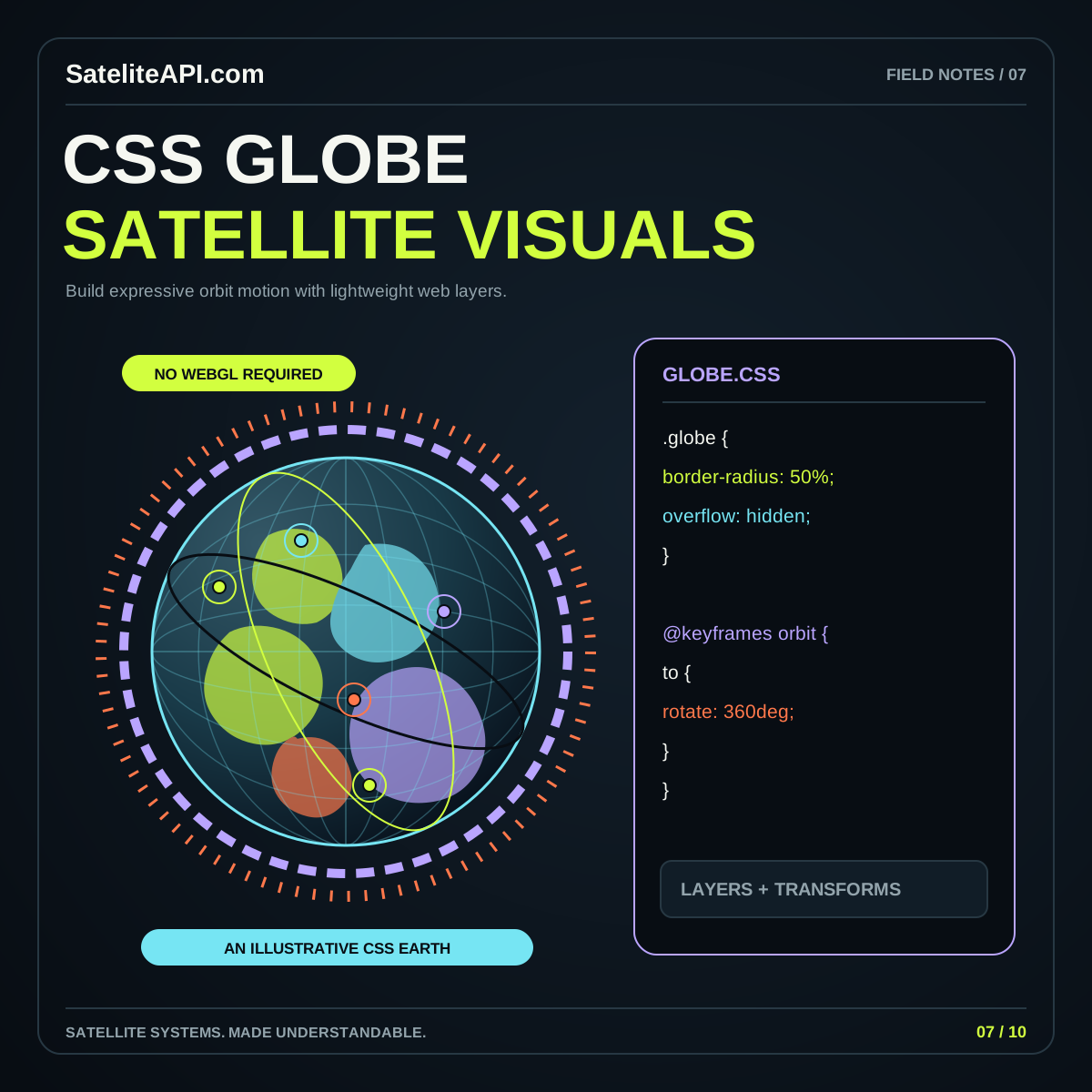
A ring arranged with CSS does not establish a spacecraft’s orbit or current position. Use illustrative labels where appropriate, and connect genuine position displays to a separately documented data and calculation workflow rather than relying on visual resemblance.
Use it for a focused visual explanation or an expressive page element. Define the intended meaning first and keep important text available outside the graphic. Choose a separate data workflow when the task requires sourced positions.
Give each animation a reason connected to reading or interaction. Review competing movement together, provide a calm state, and make sure the page remains useful when the visual stops at any moment.
CSS can give satellite pages a strong sense of depth and motion. Learn how to organize the effect, preserve readable content and choose when a richer globe renderer is needed.
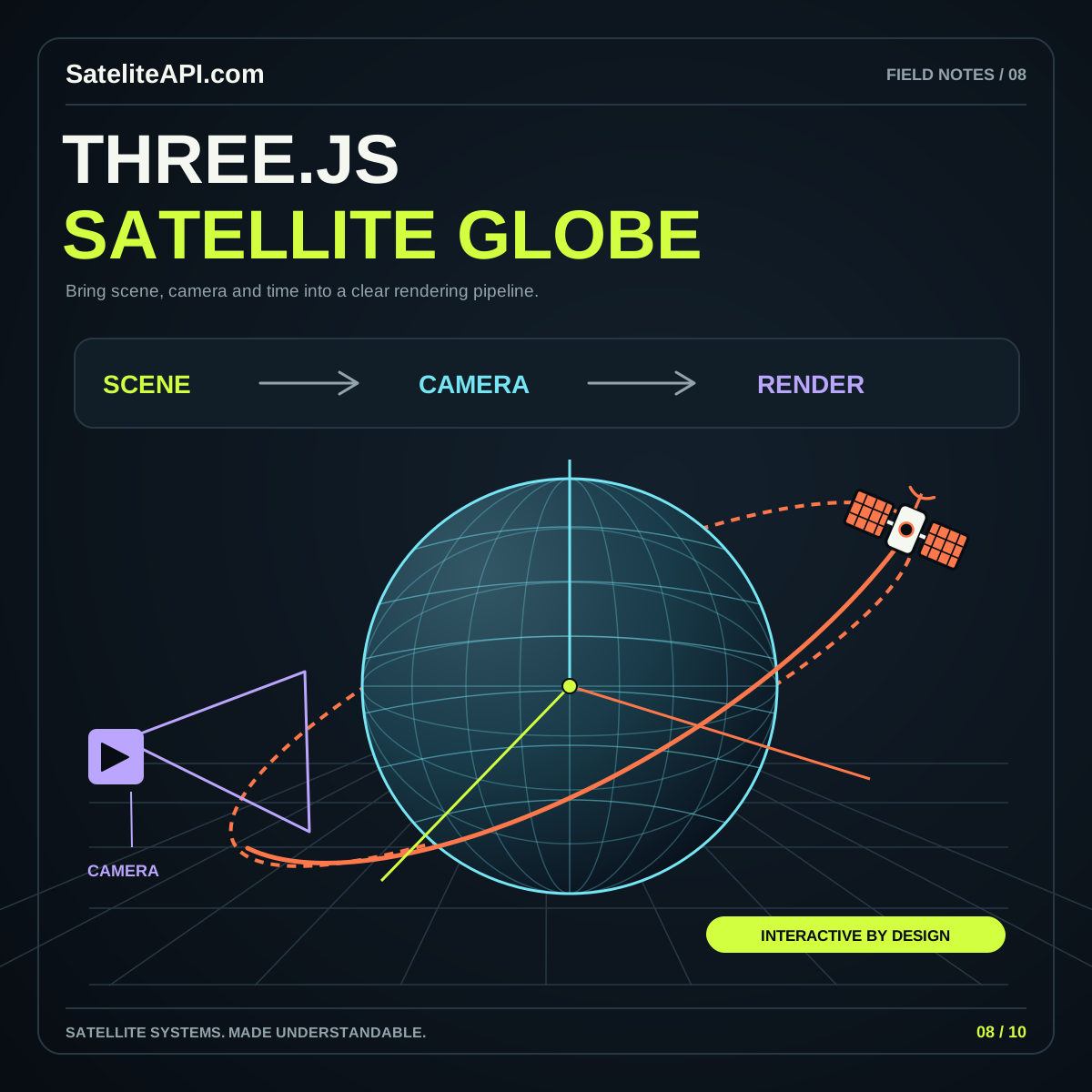
Read the guideA Three.js globe becomes useful when its data, scene and controls agree. Plan Earth geometry, coordinate mapping, rendering quality and cleanup before adding elaborate effects or large satellite collections.
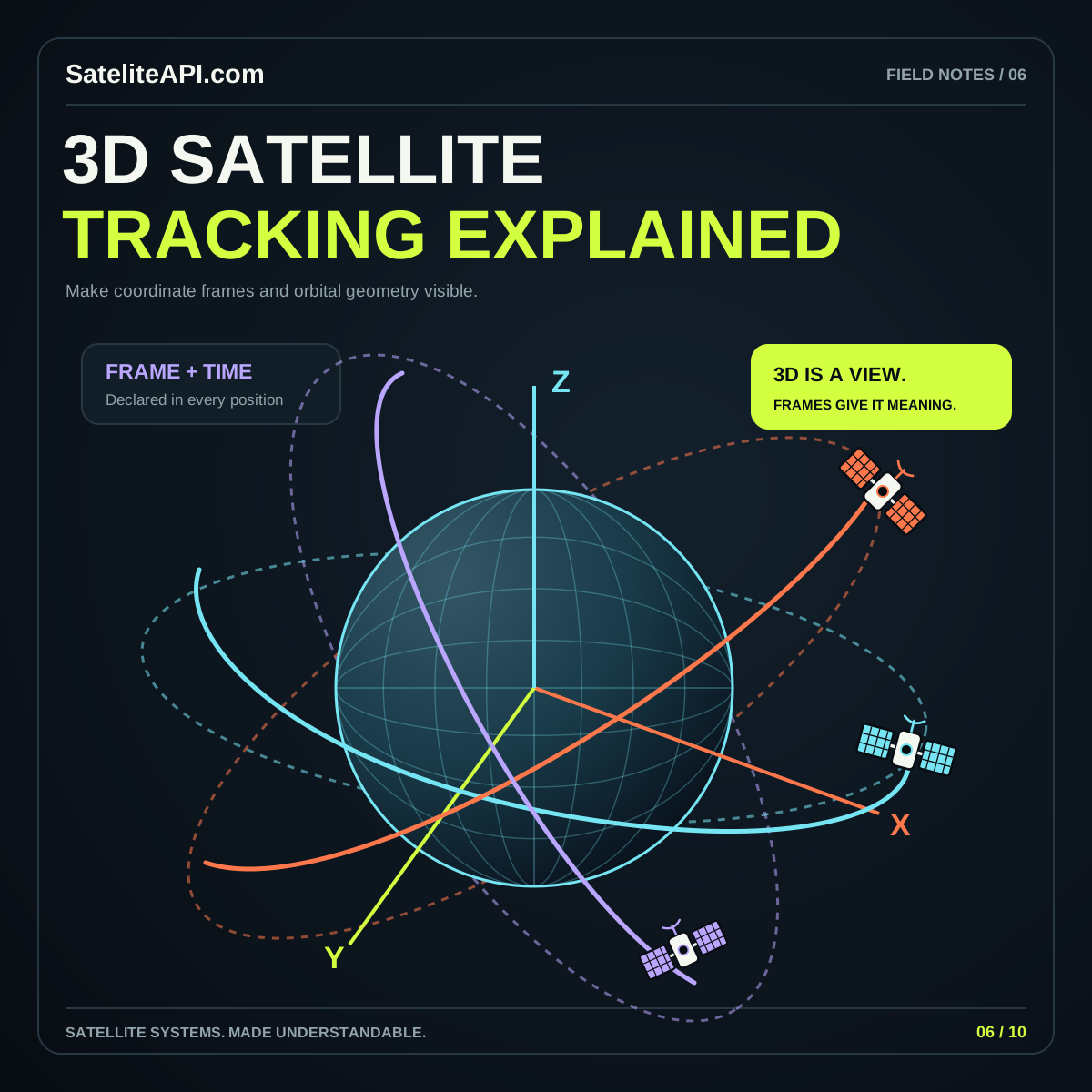
Read the guideA compelling 3D globe starts with a consistent model of Earth, position and time. Learn how to distinguish visual effects from the calculations that make satellite tracking useful.
Read the guide