ANDROID LEARNING PATH

Satellite exploration for Android.

Create a clear plan for satellite exploration on Android. Start with a focused user task, useful location choices, and a layout that adapts to the available screen, then test the concepts through this site’s browser tools.

THE SHORT VERSION

Android Satelite API

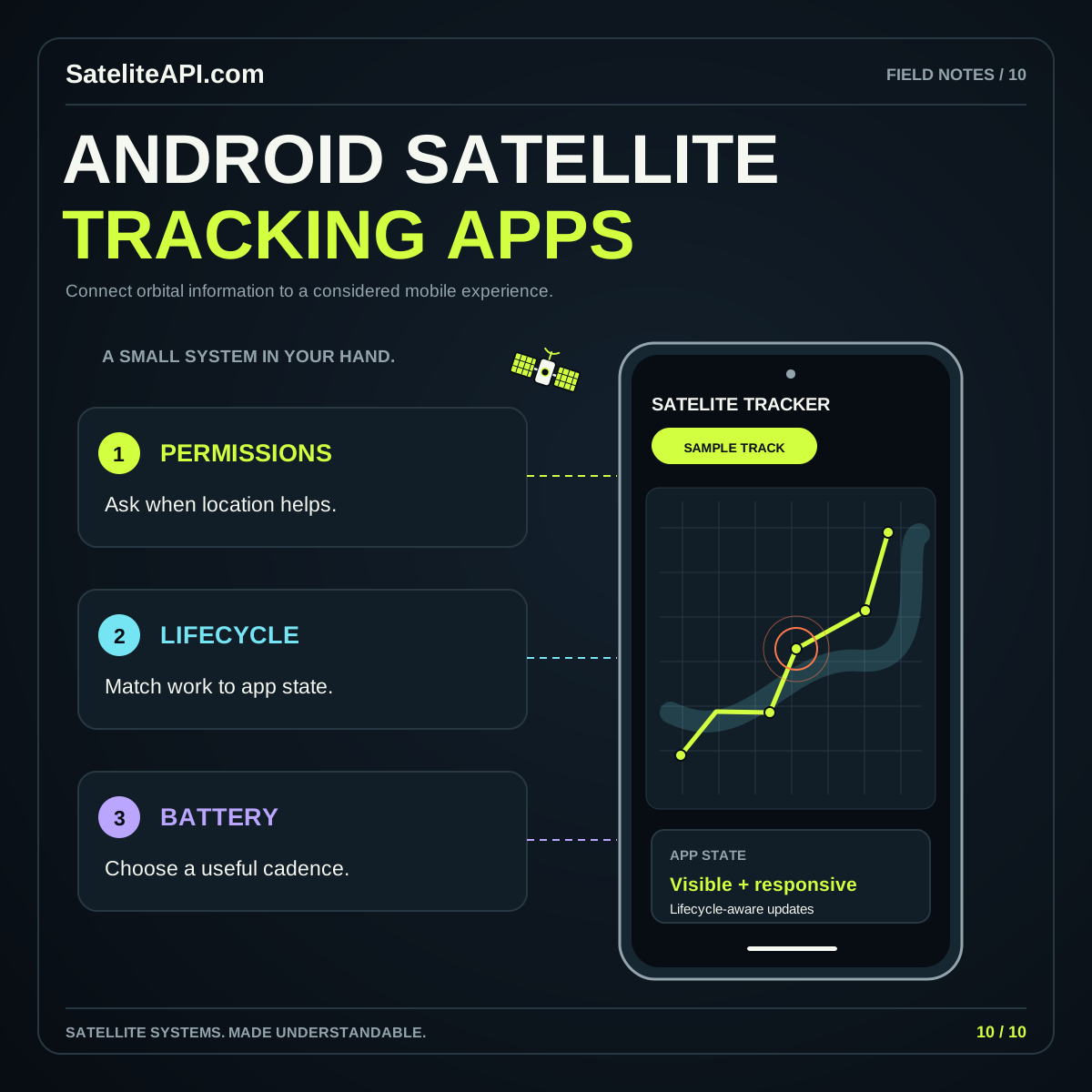
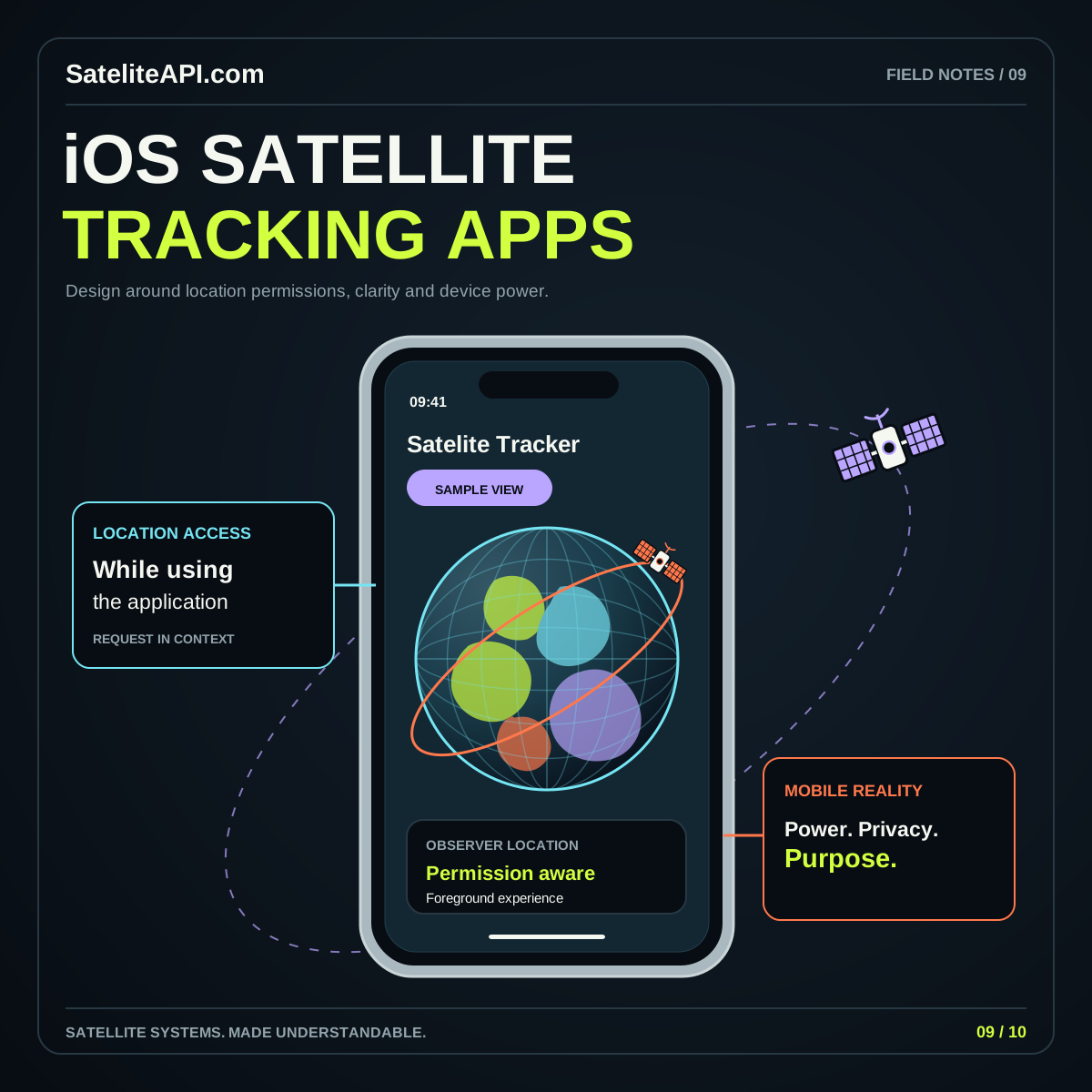
A mobile satellite experience should make its current state easy to read: selected object, chosen place, and displayed time. Android’s location-permission guide distinguishes approximate and precise location access. Use platform documentation when planning native behavior, while keeping this site’s browser learning tools and any future Android application clearly described as separate implementations.

UNDERSTAND THE BUILDING BLOCKS

Start with what matters.

01 / ANDROID SATELITE API

Useful location choices

Plan a useful path when a person selects a place manually or provides only limited location information. Explain what the feature needs in context. Avoid building the whole learning experience around an assumption of maximum available precision.

02 / ANDROID SATELITE API

Adaptable screen structure

Keep the main selection and result together as the viewport changes. Review narrow, wide, and enlarged-text layouts. Let the visual share space with its explanation instead of pushing the important state beneath a large decorative scene.

03 / ANDROID SATELITE API

Explicit update behavior

Define when a view refreshes, pauses, and resumes. For browser location, review the W3C Geolocation specification. For native work, verify the Android implementation separately. The status shown on screen should reflect the behavior actually running.
A PRACTICAL PATH

From idea
to useful experience.

  1. Explore the current browser tools

    Choose an orbit example and inspect its controls on your available device. Identify the selected object and time, then review whether the surrounding explanation remains readable as the layout changes.

  2. Map the interruption paths

    Describe what happens when a request fails or the user returns after an interruption. Keep old information visibly identified and provide a simple way to resume or choose a different location.

  3. Continue into Android planning

    Read the full Android satellite article for permissions and background-work considerations. Use the official references to verify details before implementing native features or promising a specific update schedule to users.

Android Satelite API visual overview
THE CONNECTED VIEWAndroid Satelite API
↗
A permission request is not a product strategy

Begin with the task a person wants to complete. Request only the access that a real feature needs, explain the benefit, and keep alternatives usable. An unexplained request can interrupt exploration before the user understands the application’s purpose.

COMMON QUESTIONS

A little more clarity.

Does this page offer an Android package?

This topic provides a browser-based learning path and educational tools. A native Android package would be a separate deliverable with its own installation information. Start here to understand the concepts and design choices.

What should the first mobile screen show?

Give the user one clear task, an obvious current selection, and a readable result explanation. Add a direct reset and useful empty states before expanding into more object lists, settings, or animated panels.

YOUR NEXT READ

Go deeper.

Browse every subject