Separate satellite tracking from tracking the phone
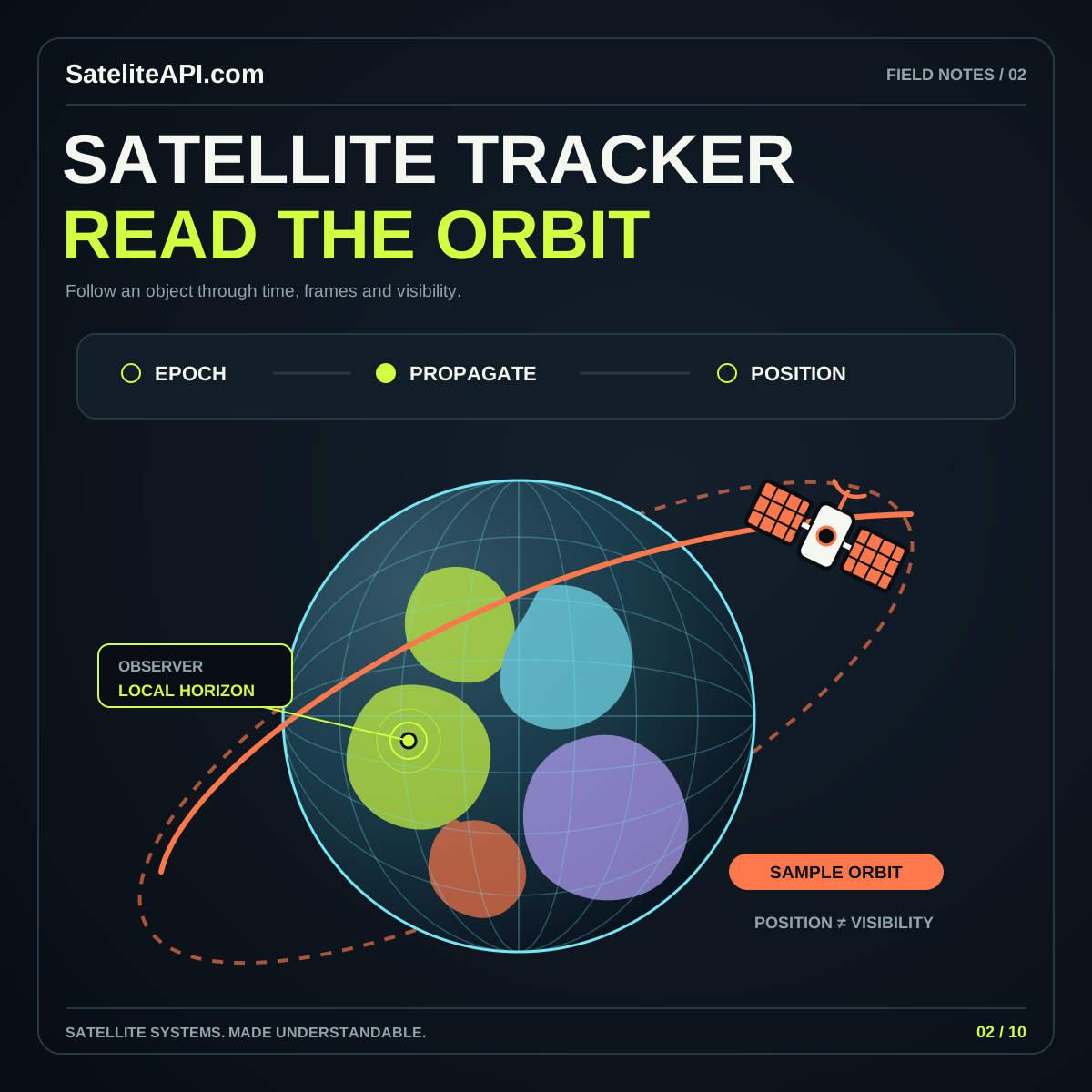
An Android satellite tracking app has two different location questions: where the satellite is represented to be, and which place the person wants to observe from. Treat them as separate inputs. A satellite catalog and an orbital calculation do not automatically require the phone's position. A person may choose a saved site, enter coordinates or inspect a global view without using device location.
Define the main workflow before choosing permissions. A pass planner might begin with a city, an object and a date. A moving-observer feature has different needs and should be presented as a distinct mode. This keeps the permission request connected to a benefit the person has actively selected.
The Android satellite API topic page provides related material for planning a clear, useful mobile experience around satellite information. Use the following decisions to connect platform behavior with the tasks people want to complete.
Give every result a source, time and status
Keep the data provider adapter, local storage, calculations and interface separate. Define a common record that includes the object's identifier, source epoch, retrieval time and units. A provider response should become a validated record before it reaches a screen. This boundary makes it easier to handle format changes without scattering parsing logic throughout the app.
Represent the difference between no matching events, no available data and a failed update. The person should not have to interpret an empty screen. If a previous dataset remains available, show its status and explain whether the selected time falls within the interval your application supports.
Keep the current selection and observing site independent of a refresh. A new result should update the existing view predictably rather than return the person to the first satellite in a list. During development, use fixed example records for loading, success, stale, empty and error states so the complete interface can be reviewed.
Consider a person reopening the app on a train with intermittent connectivity. Restore the selected satellite and saved site immediately, then show that a refresh is underway. If it fails, preserve the readable cached result with its timestamp. This avoids making every network interruption look like lost work and gives the person enough context to decide whether to try again or wait.
Request the smallest useful location permission
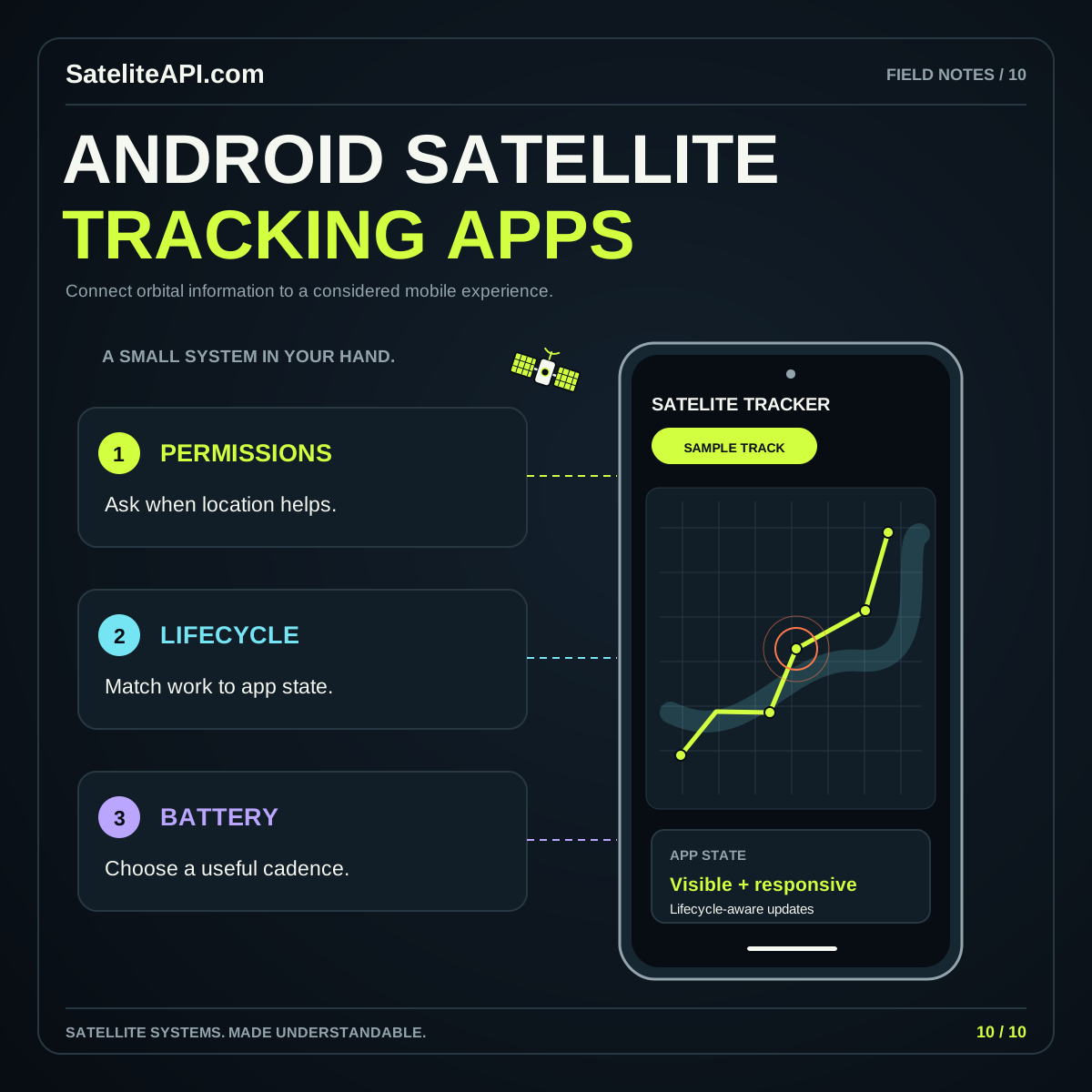
Android distinguishes foreground from background access and approximate from precise location. Its location permission documentation says an app should continue to work when only approximate access is granted. Build that expectation into the first design instead of adding it after the precise-location path is finished.
Let people select a place manually and explain when a more precise observer position materially improves the feature. Do not attach unnecessary precision to a general educational globe. Show the chosen location clearly, including whether it came from device location or a saved entry. Avoid suggesting that a requested permission guarantees a particular accuracy.
Ask in context, such as after the person taps a current-location action. If access is denied, keep the rest of the workflow available and provide a concise explanation beside the affected feature. Background access should follow a specific, necessary product requirement; a periodic catalog refresh is a different operation from collecting the phone's position.
Budget location activity around real sessions
Android's location and battery guidance connects energy use to requested accuracy, update frequency and delivery latency. Use those dimensions to describe the needs of each app mode. A saved-site planner can work very differently from an active view that follows a moving observer.
Define a start and stop condition for ongoing location requests. If the person only needs to fill an observer field, avoid turning that action into an indefinite background session. Offer a visible indication when a continuing mode is active and make stopping it easy to find.
Measure a representative journey: select a location, inspect several satellites, save an event and leave the app. Look for requests that continue after their associated screen or mode ends. Also review the cost of visual effects and network retries. Smooth motion, fresh catalog data and observer location are separate concerns and can be managed at different cadences.
Use background work for refresh, with realistic timing
A catalog refresh usually needs to happen eventually under suitable conditions; it rarely needs to drive every visual frame. Android's WorkManager request documentation describes constraints and periodic work. Periodic requests have a minimum repeat interval of fifteen minutes, and actual execution depends on constraints and system optimization. Treat that behavior as part of the design.
Use background refresh to maintain a useful cache, then let an open screen request an update when appropriate. Show progress without discarding the previous readable result. On failure, avoid an aggressive retry loop; define when another attempt is useful and how the person can request one manually.
Do not describe periodic work as an exact pass alarm. Scheduling a user-facing event and refreshing its source data are separate responsibilities. Keep the event's prediction and the refresh timestamp visible so a person can understand whether a planned reminder still rests on suitable information.
Make satellite reminders explicit and easy to revise
Ask about notifications when a person chooses to save a reminder. Android 13 and later use a runtime permission for non-exempt notifications, as explained in the official notification permission guide. Design a complete saved-event experience even when the person declines alerts. A reminder setting should not be the only place where the event remains visible.
Give each planned event a stable identifier and a clear connection to its observer location. If new data changes the prediction, or the person chooses a different site, review and update the pending reminder rather than keeping contradictory entries. Let people inspect and cancel their saved events in one place.
Write alert content carefully. Name the satellite, the observing site and the reason for opening the app. Present a predicted opportunity as a prediction. Inside the event view, show relevant data status and avoid implying that notification delivery itself proves the satellite will be visible.
Test ordinary changes, and keep location data purposeful
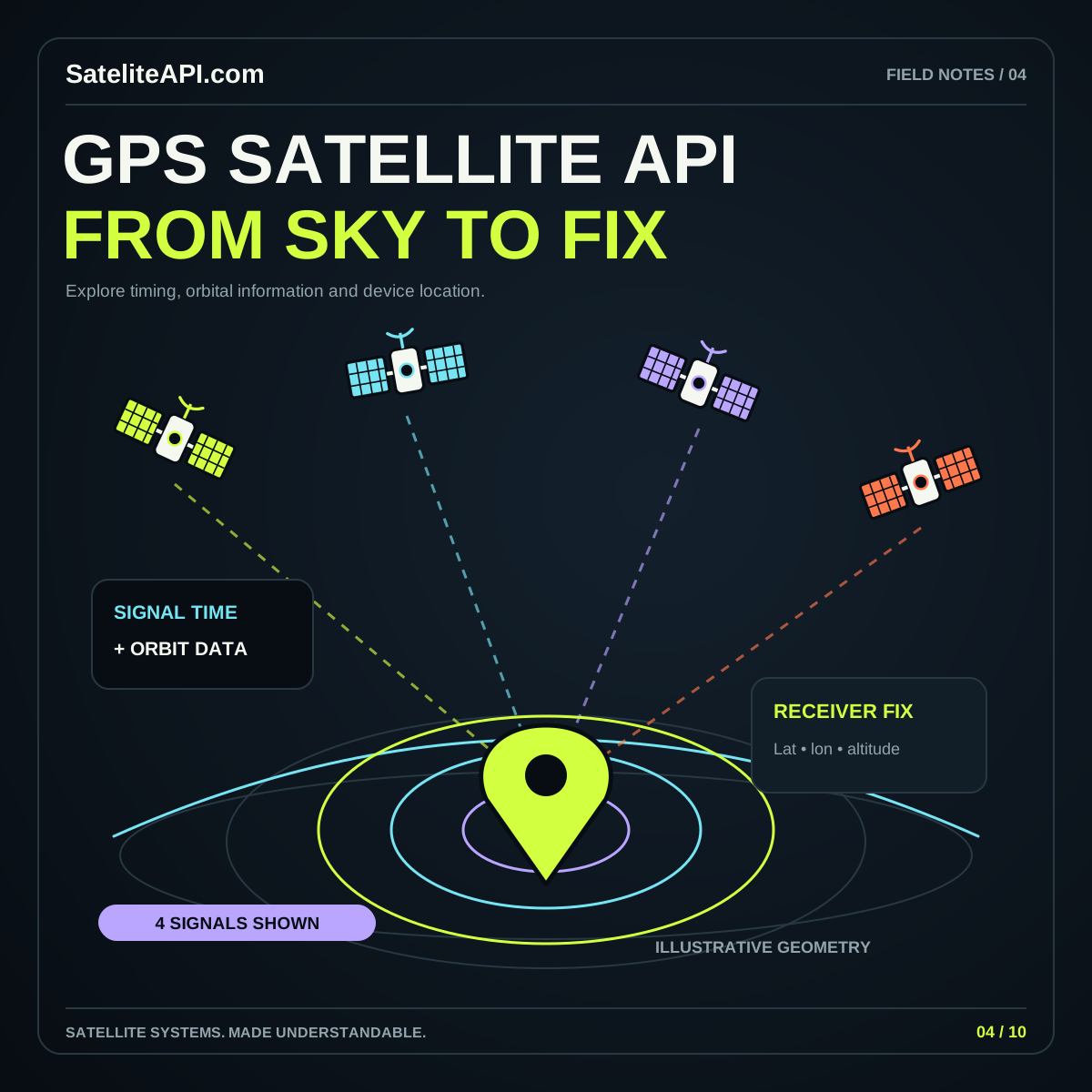
Document where observer coordinates travel and why. If a provider can return the needed orbital records without receiving the person's position, consider performing suitable observer calculations locally. If coordinates must be sent, explain the purpose and avoid retaining them in unrelated analytics or diagnostic logs. Give saved locations a clear delete action.
Review the app after permission changes, interrupted connectivity, a device restart and a switch of observing site. Check that a stale dataset stays labeled and that a disabled notification permission does not erase saved events. Verify the reading order, large text layout and access to important information outside any animated globe.
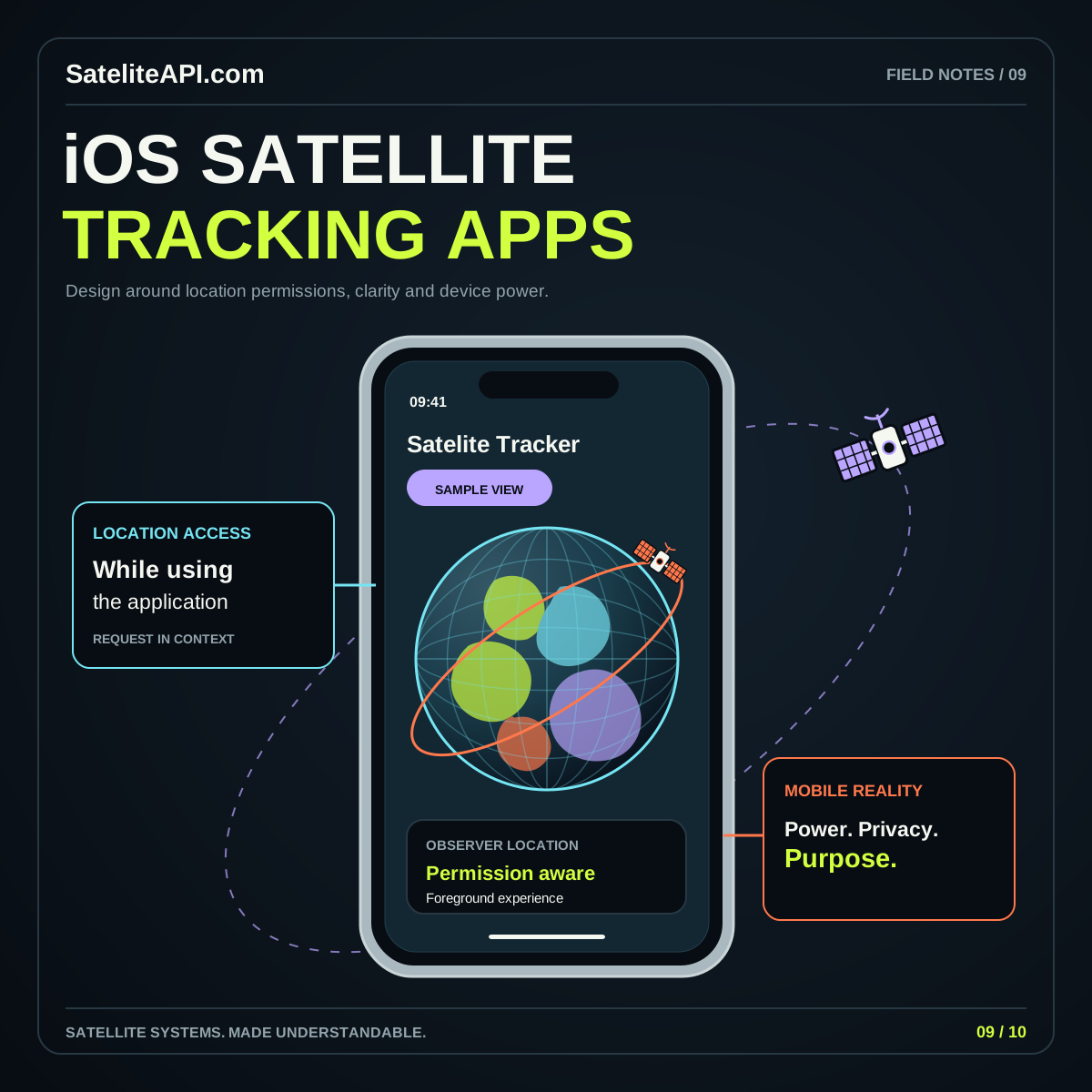
Use known reference inputs to check calculations before polishing the final visual layer. The satellite tracker API guide covers related data decisions, while the iOS satellite tracking article offers a useful comparison of the same product questions on another platform.
Sources and further reading
- Android Developers: Request Location Permissions
- Android Developers: About Background Location and Battery Life
- Android Developers: Define Work Requests
- Android Developers: Notification Runtime Permission
Sources were consulted for this general guide. Illustrations are explanatory; orbital and screen examples are not live telemetry.